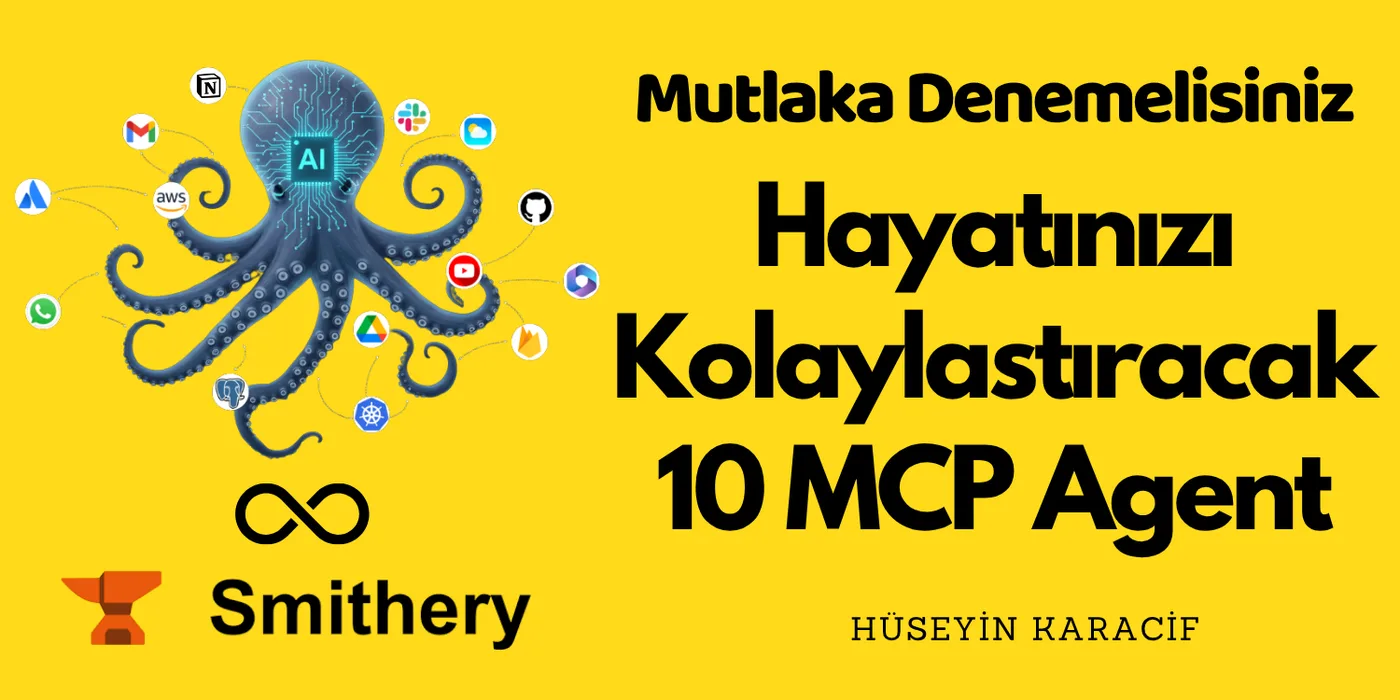
The Model Context Protocol (MCP) is a creative playground built on seamless integration and a user-centric philosophy. As a developer, I've tried 100+ different agents, and that experience is exactly why I sat down to write this article.
These new open-source tools genuinely have me excited, friends! 😮
Note: If you don't know what MCP is, the article below will get you up to speed.
MCP and AI: The New Communication Language for Smart Systems
I recommend a platform I like to call the (MCP HUB) — smithery.ai — which brings together MCP Agents and makes it easy for developers to find and use whichever tool they need. Go take a look, seriously 🙏
 Smithery.AI
I've gathered up the standouts from everything I've tried and experienced. Let's take a quick look at the top 10 MCP servers;
1-) Desktop Commander MCP: Master of the Terminal
We're done wrestling with the terminal by hand. AI doesn't just talk anymore — now it can control your computer too. This innovative tool works directly with your terminal and handles all your repetitive, ongoing tasks. It's free, too, with no complicated setup. 😮
Real-Time Command Execution
You can run terminal commands directly and see the output instantly. You can manage sessions during long-running processes, and stop and restart commands as needed.
Full File System Access
You can describe operations like creating folders, moving files, reading/writing content in plain language and have them carried out. MCP handles smart navigation even within complex file structures.
By the way, this tool can also do process_kill. It can send a force terminate. We're no longer fighting with commands one by one. We just say it, and it happens :)
Usage Example
// Find files effortlessly Command: "List the test files in the project" Terminal MCP Tool: Searching!MCP: - utils/test.js - helper/test101.js // Run code smoothly Command: "Run server.js" MCP: [Program ran successfully]// Manage process lifecycle and configuration Command: "Change 'debug=false' to 'debug=true' in the config file"MCP: Configuration updated successfully!For details: https://github.com/wonderwhy-er/DesktopCommanderMCP Smithery: https://smithery.ai/server/@wonderwhy-er/desktop-commander
2-) Context7 MCP: The Fresh Documentation Expert
Ever asked AI about a new framework and gotten code from 2020? This agent feeds AI the most up-to-date documentation whenever you ask about a new technology or a currently trending topic.
With real-time content, "AI Hallucination" drops dramatically.
Whether you're working with fast-moving frameworks like Next.js, or building LLM-based code and running into the classic "outdated code" and "hallucinated API" problems, this eliminates them. All it takes is a command in your prompt.
Usage Example
// Example: Create a new Next.js app and use `use context7`Command: "Create a new project with Next.js 15 — use context7"// Context7 MCP:1️⃣ Detects the library being used (Next.js)2️⃣ Pulls the official documentation3️⃣ Adds a version-matched code snippet to the prompt4️⃣ The model generates correct code within the sent prompt — no outdated or wrong functions.// Other examples:"How do I invalidate a query in React Query? use context7""Create a CRUD API example in FastAPI. use context7"For details: https://github.com/upstash/context7 Smithery: https://smithery.ai/server/@upstash/context7-mcp
3-) GitHub MCP: A Developer's Best Friend
Integration with GitHub is a lifesaver for developers. It gives you direct access to data like repositories, pull requests, issues, and CI/CD pipelines on GitHub.
With tools that automate repo management, it genuinely feels like you've grown an extra pair of hands.
Usage Example
// One-click GitHub MCP setup via Claude Code or Cursormcp: add server → https://api.githubcopilot.com/mcp/ → OAuth login// Usage examples:List open PRsCreate a new issueCreate a new repo and push my codeFetch and edit README.md contentAdd a new GitHub Actions workflow// Now you can do version control on your project without writing a single command.For details: https://github.com/modelcontextprotocol Smithery: https://smithery.ai/server/@smithery-ai/github
4-) Exa Search: The Search Rescue Officer
Sometimes AI makes up statistics when it's not sure. This agent fills in the knowledge gaps of LLMs by doing real-time web searches to feed AI with current data. Output with titles, URLs, and summarized content means the model works with live information, which naturally raises the quality of whatever you're working on, friends 😏
Usage Example
// Example usage in Claude Code or Cursor:Command: "Find research papers on climate change published in the last 6 months"MCP: Runs an academic search, returns results with summaries and links.Command: "List leading tech companies in Turkey and their competitors"MCP: Returns a detailed breakdown using the web_search_exa + company_research + competitor_finder tools.For details: https://github.com/exa-labs/exa-mcp-server Smithery: https://smithery.ai/server/exa
5-) Slack MCP: The AI Communication Envoy
Now we can hand off our Slack usage to language models too, professionally. With a rich toolset, everything from posting a channel message to reacting to a user's message — all the core Slack operations — are supported, and you can even run it in stealth mode without requesting bot permissions. This will genuinely boost the speed and quality of your workflow.
Here's an agent that will completely reshape your communication dynamics 😅
Usage Example
// In a prompt inside Claude, Cursor, or VS Code:Command: "Get the last 10 messages from the #general channel on Slack"MCP: Lists the channel history — message content, usernames, and timestamps.Command: "Send a DM to @ali: 'I've set the meeting for 14:00.'"MCP: Returns a confirmation that the DM was sent.Command: "Add a 👍 reaction to the message"MCP: Returns confirmation that the reaction was added.For details: https://github.com/korotovsky/slack-mcp-server Smithery: https://smithery.ai/server/@smithery-ai/slack
6-) Docker MCP: Commander of Containers
Docker is a cornerstone of modern software deployment strategies. With Docker MCP, operations like creating containers, deploying compose stacks, tracking logs, and monitoring container status can be done conversationally through an LLM, adding speed and control to your development process.
Usage Example
// In a prompt inside Claude Desktop or Cursor:Command: "Create an nginx container and map it to port 9000"MCP: Prepares a plan → executes it → returns "nginx container started, listening on port 9000."Command: "Grab the logs of all running containers"MCP: Runs docker ps, then fetches logs for the selected containers.Command: "Deploy a stack with wordpress and mysql"MCP: Creates a docker-compose file, spins up the stack, and returns status info.For details: https://github.com/docker/mcp-servers Smithery: https://smithery.ai/server/docker-mcp
7-) Memory Tool MCP: The Remembering Expert
With this agent, we can give LLMs access to persistent memory, safely storing past conversations and important information. We can ask for it and retrieve it any time we want. It genuinely becomes your memory palace. This way, AI doesn't just live in the moment — it remembers the past too.
There's a free tier that's fine for getting started, but if you really get into it, the paid tier delivers solid value for a modest fee. There's also a dashboard available so you can manage your data. 🙌
Usage Example
// In Cursor, Claude Desktop, or any other MCP client:Command: "Pull up the ideas I told you about last week"MCP: Runs `search_memory` → returns the related memoryCommand: "Add a note about the project meeting with Ahmet"MCP: Runs `add_memories` → saves "Project meeting: discussed with Ahmet."Command: "List all memories"MCP: Runs `list_memories` → returns memory titles and dates.For details: https://github.com/mem0ai/mem0-mcp Smithery: https://smithery.ai/server/docker-mcp
8-) Supabase MCP: Your Database Assistant
Writing raw SQL by hand starts to feel like paying taxes. Supabase MCP connects your IDE (think Cursor) to your Supabase database, letting you control it in plain English. It pulls your schema, makes the changes, and keeps everything in sync. It massively simplifies the developer experience.
No more midnight database disasters. 🎃
Usage Example
// Prompt inside Cursor or Claude:Command: "Get active users from the users table"MCP: Runs the read_records tool → returns resultsCommand: "Add a new record"MCP: Runs create_records → returns "Record added successfully"Command: "List the files in the storage bucket"MCP: Storage tools kick in → returns the list-- Old MethodCREATE TABLE products ( id UUID PRIMARY KEY, code TEXT NOT NULL, name TEXT);-- Supabase MCPJust say: "Create a products table with code and name columns."You now have a new products table with exactly the columns you asked for. ✅For details: https://github.com/supabase-community/supabase-mcp Smithery: https://smithery.ai/server/@supabase-community/supabase-mcp
9-) Sequential Thinking MCP: The Thoughtful Thinker
This agent breaks complex problems down into sequential thought steps, letting solutions progress in a systematic way. Thanks to features like thought tracking, progression, revision, and summarization, LLMs can work in a logical, deep, and structured manner.
With Sequential Thinking, the LLM doesn't just solve the problem — it understands how it solved it.
Usage Example
// In Claude Desktop, Cursor, or any other MCP client:Command: "Plan out a coffee-brewing process step by step"MCP: 1️⃣ Problem defined and steps identified 2️⃣ Suggested tools listed for each step (e.g. `research`, `summarize`) 3️⃣ Model proposed alternative approaches and moved forward 4️⃣ A summary was generated once the process was completeFor details: https://github.com/arben-adm/mcp-sequential-thinking Smithery: https://smithery.ai/server/@smithery-ai/server-sequential-thinking
10-) n8n Workflow MCP: The Business Development Expert
n8n is a world-famous workflow automation tool that automates our work. Picture this: this agent lets you list, create, edit, and run your n8n workflows using plain English. Repetitive tasks in your workflows get automated, and this agent compounds our work efficiency many times over.
Usage Example
// In a prompt inside Claude, Cursor, or VS Code:Command: "List all existing workflows in n8n"MCP: Runs the `list workflows` tool → returns all workflow names.Command: "Create a new 'e-commerce order' workflow"MCP: Creates the workflow → returns "The 'e-commerce order' workflow was created successfully."Command: "Show the currently running executions for a specific workflow"MCP: Runs the `list executions` tool → lists running or completed runs.For details: https://github.com/fellipesaraiva88/n8n-mcp-server Smithery: https://smithery.ai/server/@tecnologiacomigo/n8n-mcp-server
Well, we've reached the end of the article. We're in an era where AI has made information so easy to find that it's kind of ruined the fair fight. I put in the work for you and pulled together the tools I love and use in my spare time. Don't hold back your feedback. 🙏
Final Word
Pick at least one or two of the agents I've written about here, and working will start to feel like you hired a coding assistant. Lastly; Embrace the power of MCP servers and watch your AI go beyond the boundaries of its imagination.
Grateful that you read this.
Take care, friends...