A junior teammate said something in the office last week that stuck with me: "I don't really write code anymore, I explain it to the agent." Honestly, my first reaction was a little unease — like something was being lost. But then I looked back at my own last week: I described a feature to Claude Code, read through its plan, it proposed changes across three files, I approved two, rejected one and said "we need a different pattern here, the codebase already does X for this" — it fixed it. Then I ran the tests, reviewed the diff, and merged.
I hadn't really written code either. I had managed it.
This post is about exactly that shift: where agentic coding came from, where the developer's role is actually heading, and what's real versus overhyped about it.
From Autocomplete to Agent: A Short History
I remember when GitHub Copilot first showed up, it felt magical for all of us — it completed lines, sometimes it guessed an entire function. But it was still a passive tool: you typed, it suggested, you decided whether to accept. A very talented autocomplete, essentially.
Then tools like Cursor brought "chat-based editing": you could select a file and say "change this." Still, you triggered every step.
Now, with tools like Claude Code, we've moved to a genuinely different model: you define a goal, and the agent explores the codebase on its own, finds the relevant files, produces a plan, makes the changes itself, runs the tests itself, and if needed, runs terminal commands and debugs the failure on its own. You're no longer pressing every key — you've stepped outside the loop and you're watching it.
That's the move from autocompletion to autonomous execution. A small phrase, but a massive difference in practice.
So Where Did the Developer's Role Go?
Let's be honest here: saying "we don't write code anymore" is an oversimplification that's just wrong. We still write code — just less of it at the line level, and much more of it at the decision level.
Here's the role shift as I actually see it:
- Architect: we decide which pattern to use, how the system should be split, which trade-offs we're willing to accept. The agent doesn't make that call for you — you set it, the agent executes it.
- Reviewer: reading every diff an agent proposes has become one of a developer's central jobs. These days I spend far more time reading and critiquing code than writing it from scratch.
- Context provider: the agent doesn't know your codebase, your business rules, or the "why we did it this way" — not unless you hand it that context. Which brings me to the next section.
So the role has shifted from producing to directing and auditing. For some, that might feel "less technical" — I'd argue the opposite: making the right architectural call, spotting a bad diff, still demands deep technical judgment. What's actually shrunk is the time you spend with your hands on the keyboard.
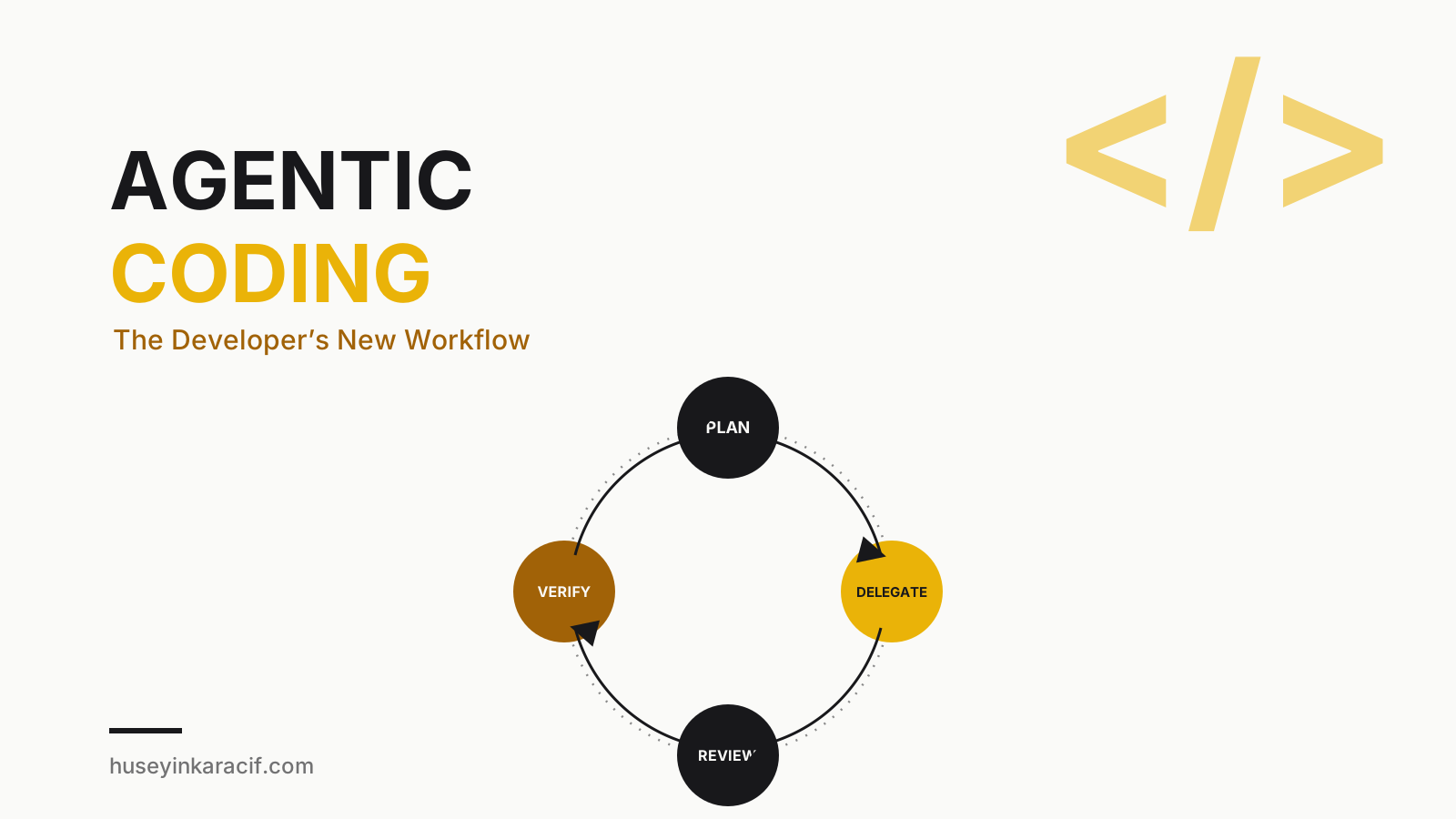
A Practical Workflow: Plan → Delegate → Review → Verify
I've boiled my own workflow down to four steps, and almost every time I skip one, things go sideways:
1. Plan. Instead of saying "just do this" directly, I like asking the agent to lay out its approach first, in plan mode: "how are you thinking of doing this?" The plan often surfaces a risk I hadn't considered — or the reverse, I notice the agent missed a risk I was worried about, and I feed it more context.
2. Delegate. If the plan looks reasonable, I let the agent actually do the work. This is where patience matters — intervening at every single step erases the time savings agentic coding is supposed to give you in the first place.
3. Review. When the diff lands, I read it line by line. I'm specifically checking: Does this match the existing codebase's patterns? Were edge cases considered? Did it introduce an abstraction nobody asked for? Agents will sometimes produce code that works but is needlessly complex — watch for that.
4. Verify. Running the tests isn't enough — you actually need to open the app and observe the behavior. There's still a real gap between "tests pass" and "this genuinely works correctly," especially on the UI and integration side.
Every time I've skipped these four steps and gone straight to "just do it, commit it," I've run into some kind of mess in that codebase a week later. Learned that one the hard way, more than once 😅
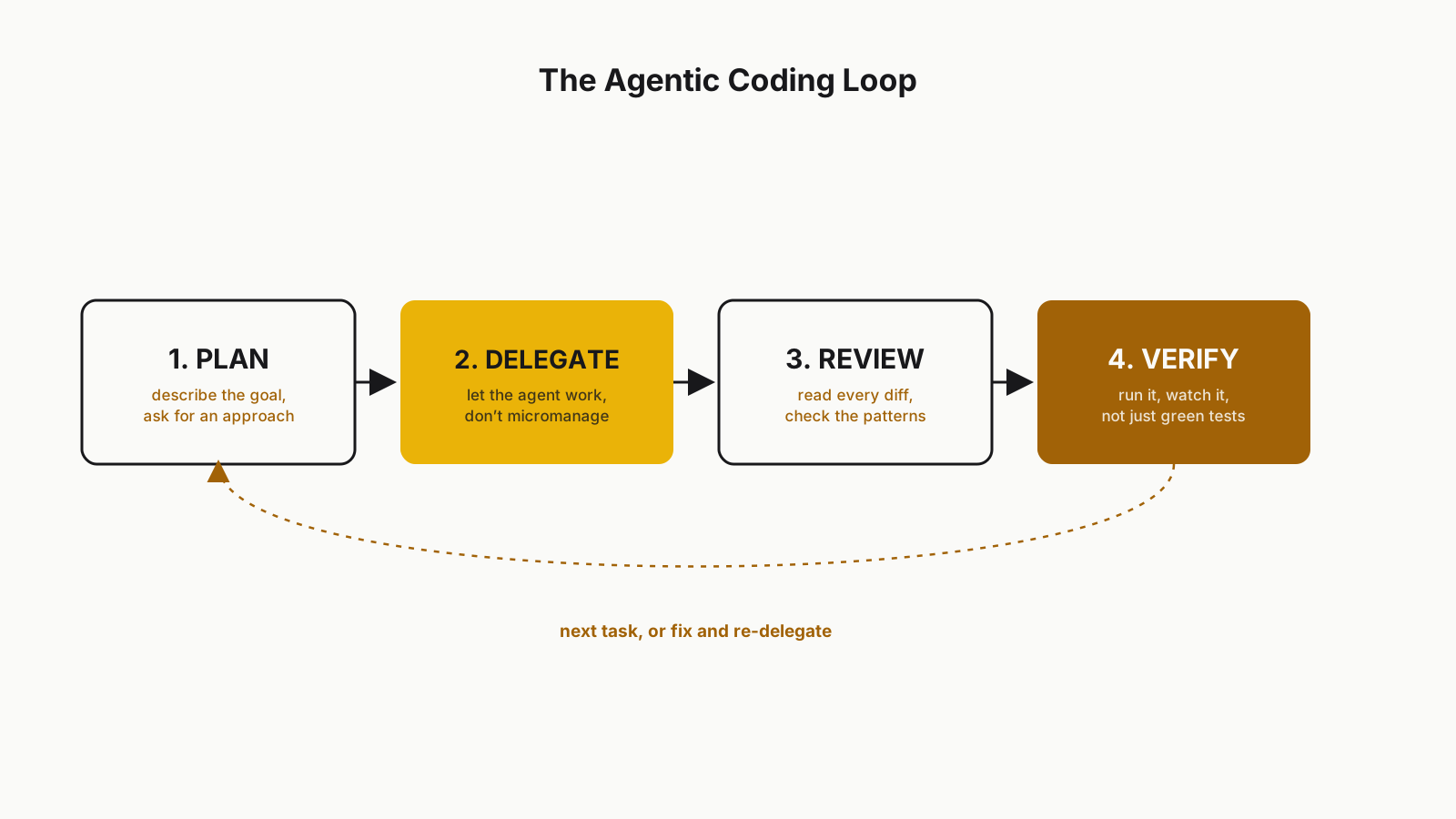 The Plan → Delegate → Review → Verify loop
Where Agents Genuinely Struggle
Let's talk about this without the marketing gloss, because there's a lot of it out there. Agents still run into serious trouble with:
- Large refactors: on an architectural change touching 50 files, an agent will typically either lose context or make inconsistent decisions — one pattern in this file, a different one in that file. I get far better results when I break this kind of work into small, independent chunks myself.
- Taste: how you name an API, how much a component should be abstracted, how an error should surface to the user — an agent can make choices here that are "technically correct" but simply don't match your team's sensibility. That still takes human judgment.
- Security: an agent can produce code that works functionally but has a real vulnerability — a query open to SQL injection, a secret stored in the wrong place, a missing authorization check. These are exactly the kind of things "tests passed" won't catch. A security-focused review step is still non-negotiable.
- Implicit business rules: rules that live only in the team's collective memory and nowhere in the code ("we never update this table directly, it always goes through an event") are simply invisible to the agent, because they're written down nowhere.
That last point leads directly into the next section.
CLAUDE.md and Rule Files: The Team's Shared Memory
This was a genuine turning point for me when I first tried it: once you write a CLAUDE.md (or a similar rules file) and drop it at the root of your codebase, the agent stops starting from zero every single time. Everything you write as "here's how we do this" becomes context the agent automatically carries into every task.
Mine typically covers: which patterns we prefer, which libraries we deliberately avoid, our commit message format, our testing habits, and a "never do this" list. Writing this file is really an exercise in making the team's unwritten rules explicit — and doing it tends to surface your own team's inconsistencies too, which is a useful side effect on its own.
# CLAUDE.md (example excerpt)

## Code Standards
- New services extend the existing `BaseService` class
- Never call the repository layer directly from a component
- Use the project-wide `Result<T>` pattern for error handling

## Forbidden
- Don't add lodash, native JS is sufficient
- Don't add a new state management library, use Context API

## Testing
- At least one integration test per new endpoint
- Keep mocks under `tests/mocks`
Writing this file well once, and updating it over time, is far more efficient than re-explaining the same conventions in every new conversation.
An Honest Look at the Productivity Claims
Headlines like "AI speeds up developers by 50%" are everywhere. I don't fully dismiss it, and I don't buy it blindly either. From my own experience:
- On familiar, repetitive work (CRUD endpoints, boilerplate, writing tests, applying an existing pattern somewhere new), the speed gain is genuinely large. Maybe honestly 2-3x.
- On new, ambiguous problems (architectural decisions, debugging a performance issue, "why is this behaving this way" investigations), the gain is much smaller — sometimes the review and correction time eats up whatever the agent saved you.
- The learning curve has flipped: for junior developers, the real risk is accepting agent-generated code without understanding it. That's fast in the short term and produces a weak engineer in the long term. I tell junior teammates the same thing every time: "you should be able to defend every line the agent wrote as if you'd written it yourself." If you can't, you didn't actually understand it.
So the honest answer: yes, there's a real productivity gain, but it's not distributed evenly, and used carelessly it carries a real long-term cost.
Let me give you a concrete comparison. Last month I ran two very different tasks. The first: migrating an existing REST endpoint to GraphQL — repetitive, well-defined work. The agent finished it in about five minutes, work that would've taken me half an hour, and all I did was review it. The second: tracking down a strange, intermittent race condition in production. I handed it to the agent, it produced a few plausible but wrong theories, and in the end I dug through the logs myself and found the root cause. Both were "coding," but one played to the agent's strengths and the other still played to mine. Learning to tell those two apart is, I think, the actual skill behind using agentic coding well.
Final Thoughts
Agentic coding doesn't eliminate software engineering — it changes what we spend our time on. We've shifted from typing line by line to deciding, providing context, and auditing. That transition can feel uncomfortable, especially if "writing code" has been a big part of your identity. But that's also what makes it genuinely exciting: we now get to spend more of our time building the right thing, and less of it wrestling with syntax.
How you design context while working with agents directly affects the outcome, too — I wrote about that in more depth in Context Engineering: Moving Beyond Prompt Writing, worth reading alongside this one.
Grateful that you read this.
Take care, friends...